How to Build a Custom POS System Using PHP: A Step‑by‑Step Guide
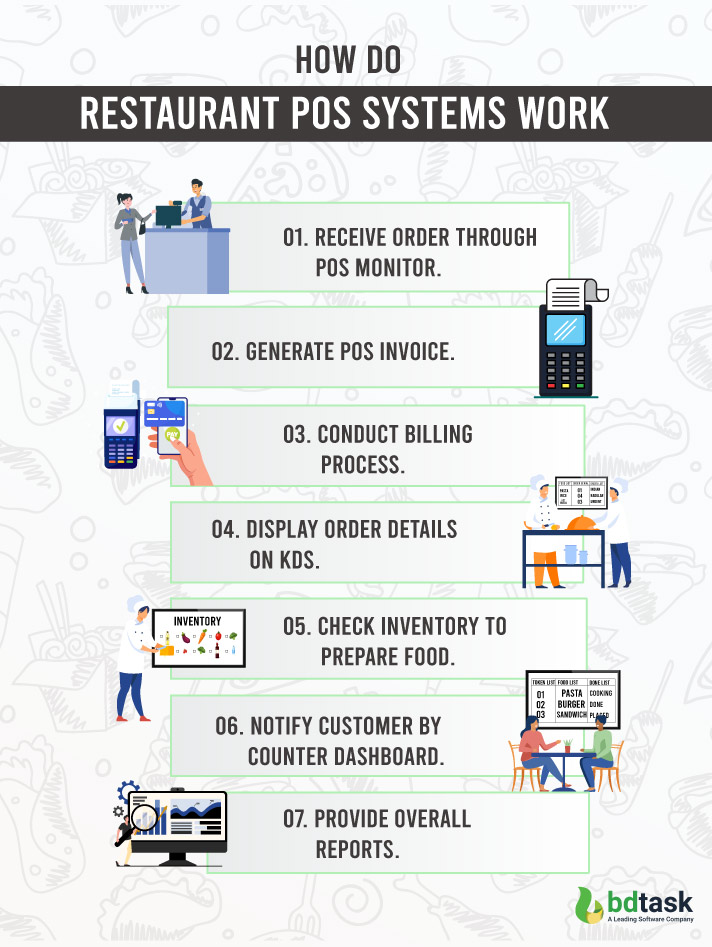
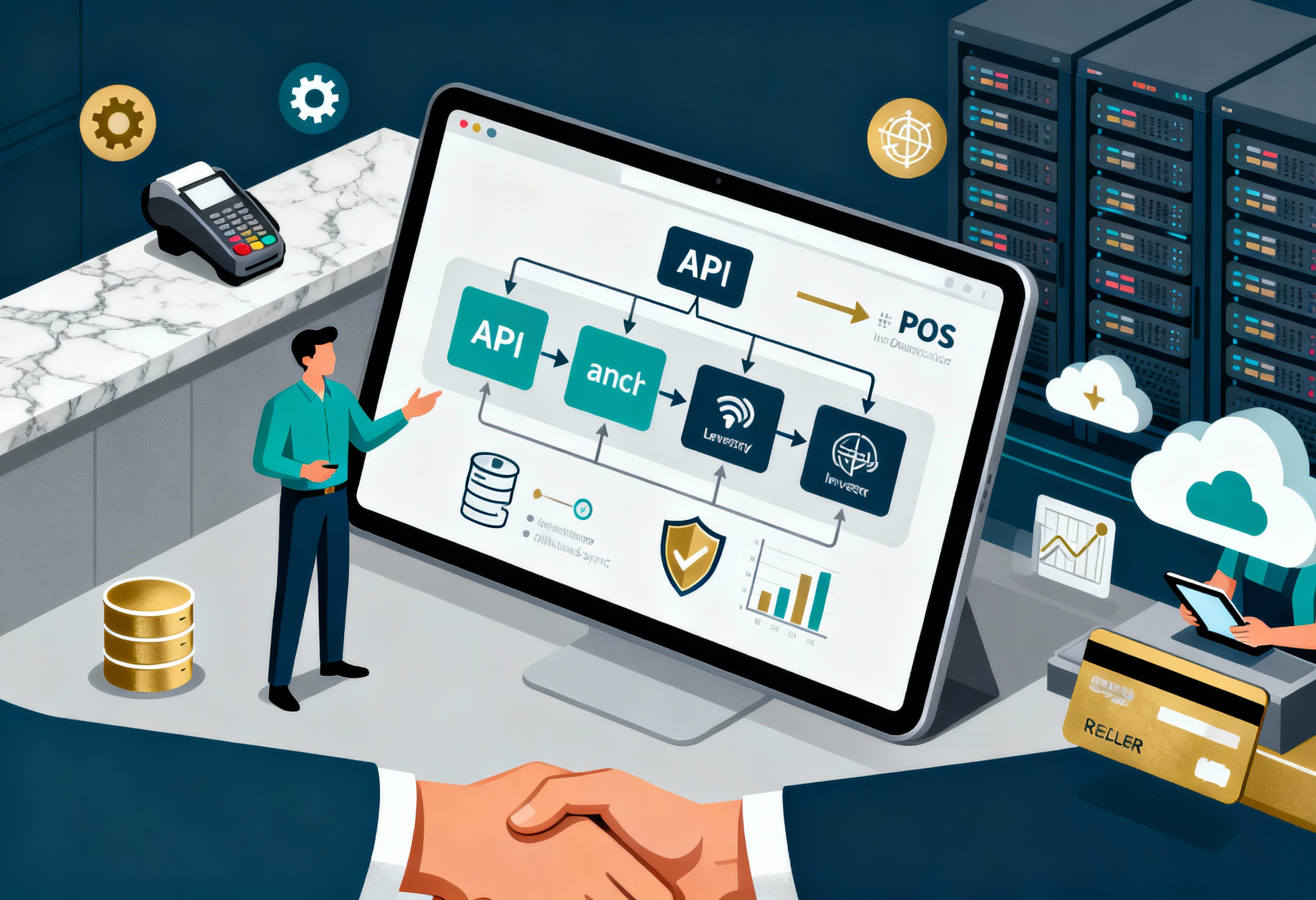
If you’ve ever wondered whether you can build your own POS system with PHP instead of buying a pricey off‑the‑shelf solution, the answer is a resounding yes. A PHP‑based point‑of‑sale app gives you full control over features, branding, and integration with existing tools. Below is a practical roadmap that walks you through everything from setting up the development environment to deploying a secure, production‑ready system.
Why Build Your Own POS System?
- Tailored functionality: Add or remove modules exactly where you need them.
- Cost efficiency: Avoid recurring licensing fees and pay only for the hosting you choose.
- Scalability: Start small, then grow the codebase as your business expands.
These benefits often outweigh the initial time investment, especially for small retailers, cafés, or niche e‑commerce ventures that need a tight fit between inventory, sales, and reporting.
Prerequisites and Environment Setup
Before diving into code, make sure you have the following:
- PHP 8.0+ (with PDO extension enabled)
- MySQL or MariaDB server
- A web server such as Apache or Nginx
- Composer for dependency management
- Basic knowledge of HTML, CSS, and JavaScript
Install Composer globally, then create a project folder:
composer create-project --prefer-dist laravel/laravel pos-systemWhile you can start from scratch, using a lightweight framework like Laravel or Slim speeds up routing, validation, and database interactions without hiding the core PHP logic you’ll be writing.
Designing the Database Schema
A solid schema is the backbone of any POS. Here’s a minimal set of tables you’ll need:
- users – stores employee credentials and roles.
- products – SKU, name, price, tax rate, and stock quantity.
- sales – header record for each transaction (date, total, cashier).
- sale_items – line items linking a sale to purchased products.
- inventory_logs – tracks stock changes for audit purposes.
Use foreign keys to enforce relationships; for example, sale_items.product_id references products.id. Adding indexes on sku and sale_date improves lookup speed during busy periods.
Creating Core Modules
The heart of the system consists of three interactive modules: product management, sales entry, and user administration.
Product Management
Build a CRUD interface that lets staff add new items, adjust prices, and update stock levels. A simple form might look like this:
<form method="POST" action="/products/save"><input name="sku" placeholder="SKU">
<input name="name" placeholder="Product Name">
<input name="price" type="number" step="0.01">
<input name="stock" type="number">
<button type="submit">Save</button>
</form>
Validate inputs server‑side, then run an INSERT or UPDATE via PDO. Remember to escape output when rendering product lists to avoid XSS.
Sales Entry
The sales screen should allow quick barcode scanning or manual entry. A typical workflow:
- Cashier scans a barcode; JavaScript captures the code and sends an AJAX request to fetch product details.
- Product data populates a row in the receipt table, updating the subtotal automatically.
- When the “Complete Sale” button is pressed, the server records the sale, decrements inventory, and prints a receipt.
Wrap the database updates in a transaction so that either all changes succeed or none do, preserving data integrity.
User Administration
Not every employee should have the same privileges. Store a role field (e.g., admin, manager, cashier) and enforce checks in your controllers:
if ($user->role !== 'admin') {abort(403, 'Insufficient permissions');
}
This simple gatekeeping prevents accidental price changes or unauthorized access to financial reports.
Implementing Real‑Time Inventory Updates
Most POS systems need to reflect stock levels instantly across multiple terminals. You can achieve this with a lightweight WebSocket server (e.g., Ratchet) or by polling a small endpoint every few seconds. The endpoint returns JSON with the latest quantities, and JavaScript updates the UI without a full page reload.
If you prefer a no‑frills approach, a short‑interval AJAX call is sufficient for low‑traffic shops:
setInterval(() => {fetch('/inventory/refresh')
.then(r => r.json())
.then(data => updateStockUI(data));
}, 5000);
Adding Security and Permissions
Security is non‑negotiable in any financial application. Here are essential safeguards:
- HTTPS everywhere – encrypts traffic between terminals and the server.
- Prepared statements – eliminates SQL injection risks.
- Password hashing – use
password_hash()withPASSWORD_BCRYPT. - CSRF tokens – embed a hidden token in forms and verify it on submission.
- Session timeouts – log users out after a period of inactivity.
Implementing role‑based access control (RBAC) on top of these measures ensures that only authorized staff can view sensitive reports or modify core settings.
Testing and Deployment
Before going live, run through these checkpoints:
- Unit tests for each model (product, sale, user).
- Integration tests that simulate a full checkout process.
- Load testing with tools like ApacheBench to see how many simultaneous transactions your server can handle.
When the code passes, push it to a production server. A typical deployment pipeline might involve:
- Git push to a remote repository.
- CI/CD runs Composer install and runs the test suite.
- Server pulls the latest code, runs migrations, and clears caches.
Finally, back up the database nightly and keep an eye on logs for any unexpected errors.
Frequently Asked Questions
Can I use this guide with a framework other than Laravel?
Absolutely. The concepts—database schema, CRUD operations, transaction handling—apply to any PHP framework or even plain PHP. You’ll just need to adjust routing and dependency injection according to the framework’s conventions.
Do I need a barcode scanner to make the POS functional?
A scanner greatly speeds up checkout, but it’s not mandatory. You can start with manual SKU entry and add scanner support later by handling the input as a simple text field that triggers an AJAX lookup.
How do I handle tax calculations for multiple jurisdictions?
Store tax rates in the products table or a separate tax_rates table. When creating a sale, fetch the applicable rate based on the store’s location and apply it to each line item before summing the total.
Is it safe to store credit‑card data in my own POS?
Storing raw credit‑card numbers is heavily regulated and generally discouraged. Instead, integrate with a PCI‑compliant payment gateway that returns a token; store only that token if you need to reference the transaction later.