How to Create a Python‑Powered AI SQL Assistant
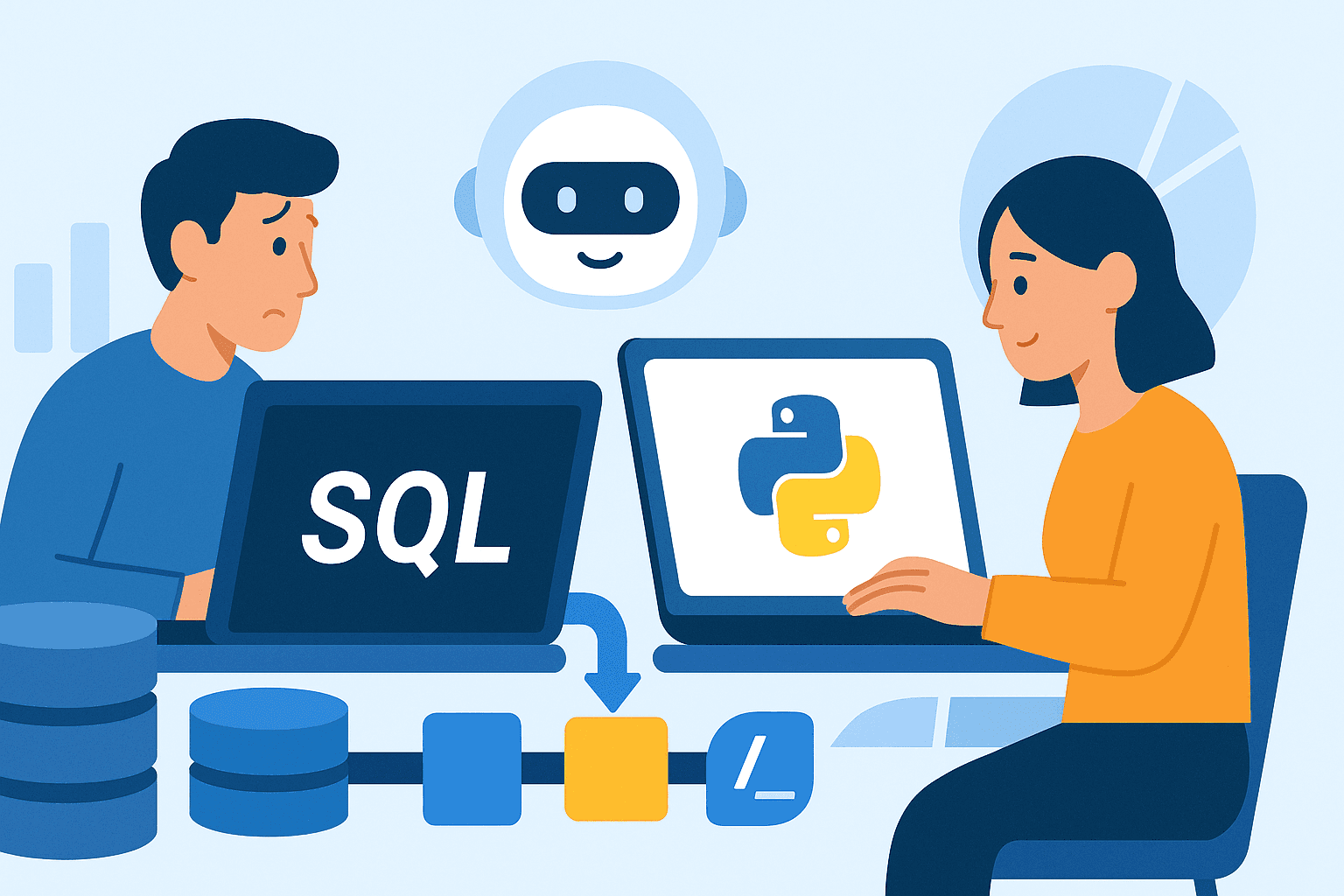
Imagine typing a plain English question like “show me last month’s sales by region” and instantly receiving a perfectly formed SQL query that runs against your database. With today’s large language models and a few Python libraries, that vision is within reach. In this guide we’ll walk through the essential steps to build a lightweight AI SQL assistant that understands natural language, translates it into SQL, and executes the result safely.
What an AI SQL Assistant Actually Does
At its core, the assistant has three responsibilities: interpret user intent, generate a syntactically correct SQL statement, and run the query against a target database. The interpretation layer relies on a language model – often a transformer‑based model like OpenAI’s GPT‑4 or a smaller open‑source alternative. The generation layer formats the model’s output into a valid query, while a sandboxed execution layer protects the database from malicious prompts.
Getting Started: Prerequisites
- Python 3.9+ – the script runs on any recent interpreter.
- Access to a language model API – OpenAI, Anthropic, or a self‑hosted Hugging Face model.
- Database driver –
psycopg2for PostgreSQL,pymysqlfor MySQL, etc. - Basic knowledge of SQL – so you can review and refine generated queries.
If you already have a virtual environment, activate it now and install the required packages:
pip install openai sqlalchemy pandasChoosing the Right Language Model
OpenAI’s gpt-4o-mini offers a good balance of cost and capability for most internal tools. If you prefer a free, self‑hosted solution, consider Llama‑2 7B or Mistral 7B, which can be run on a modest GPU. The model you pick will dictate how you structure prompts and handle rate limits.
Prompt Engineering: Turning Questions into Queries
The secret sauce lies in a well‑crafted system prompt. It should explain the assistant’s role, list the tables it can query, and enforce a “SQL‑only” output format. Here’s a compact example for a sales database:
You are an AI that converts natural‑language questions into PostgreSQL queries.Only return the final SQL statement wrapped in triple backticks.
Available tables: orders(id, date, amount, region), customers(id, name, segment).
Never include explanations or additional text.
When the user asks, “total sales per region for the last quarter,” the model should respond with something like:
```sqlSELECT region, SUM(amount) AS total_sales
FROM orders
WHERE date BETWEEN '2023-07-01' AND '2023-09-30'
GROUP BY region;
```
Connecting to the Database Securely
Use SQLAlchemy’s engine abstraction to keep the connection logic tidy. Wrap the execution in a try/except block, and always parameterize any user‑provided values that survive the generation step.
from sqlalchemy import create_engine, textengine = create_engine("postgresql+psycopg2://user:pass@host/dbname")
def run_query(sql):
with engine.connect() as conn:
try:
result = conn.execute(text(sql))
return result.fetchall()
except Exception as e:
return f"Query error: {e}"
Safety First: Guardrails Against Bad Queries
Even a well‑prompted model can occasionally slip. Implement three layers of protection:
- Regex whitelist – ensure the output starts with
SELECTorWITHand contains noDROP,DELETE, orINSERTstatements. - SQL parser check – libraries like
sqlparsecan parse the statement and reject malformed syntax. - Row limit – automatically append
LIMIT 1000if the user hasn’t specified one, to avoid huge result sets.
Putting It All Together: The Main Loop
import openaidef ask_ai(question):
response = openai.ChatCompletion.create(
model="gpt-4o-mini",
messages=[
{"role":"system","content":SYSTEM_PROMPT},
{"role":"user","content":question}
]
)
sql_block = response.choices[0].message.content.strip()
# Extract SQL between backticks
sql = sql_block.split("```sql")[1].split("```")[0].strip()
return sql
def assistant():
print("AI SQL Assistant – type ‘quit’ to exit.")
while True:
user_input = input("> ")
if user_input.lower() in ("quit", "exit"):
break
sql = ask_ai(user_input)
if not sql.lower().startswith(("select", "with")):
print("Generated content is not a SELECT query.")
continue
result = run_query(sql)
print(result)
if __name__ == "__main__":
assistant()
This script continuously accepts natural‑language questions, asks the model for a query, validates the result, and prints the fetched rows. It’s intentionally minimal so you can extend it with a web front‑end, logging, or user authentication.
Testing and Iteration
Start with a handful of representative questions – “average order value per segment,” “list customers who haven’t ordered in 30 days,” etc. Verify that the generated SQL matches your expectations and returns correct data. If the model frequently omits necessary joins, tweak the system prompt to mention those relationships explicitly.
Deploying the Assistant
For a single‑user prototype, running the script on a local machine is fine. In production, containerize the application with Docker, expose an HTTP endpoint via FastAPI, and secure the endpoint behind OAuth. Remember to keep your API keys out of the image by using environment variables or secret managers.
FAQ
Can I use a free open‑source model without an API key?
Yes. Models like Llama‑2 or Mistral can be loaded with the transformers library and run locally, but they require a GPU for reasonable latency. Expect higher latency than hosted services and adjust the prompt length accordingly.
How do I prevent the assistant from exposing sensitive columns?
Maintain a whitelist of columns that may appear in results. After the query runs, filter the DataFrame or result set to drop any disallowed fields before returning data to the user.
What if the model hallucinates a table that doesn’t exist?
Include a concise schema description in the system prompt and enable a post‑generation check that compares referenced tables against the actual database schema. Reject or ask the user to clarify when a mismatch occurs.