Understanding Source Code vs. Pseudocode: A Complete Guide
When you start a programming project, you’ll often hear two terms tossed around: source code and pseudocode. Both are written by humans, but they live in very different worlds. This guide untangles their roles, shows where they overlap, and offers practical tips for moving smoothly from idea to implementation.
What Is Source Code?
Source code is the exact set of instructions a computer can translate into executable actions. Written in a formal programming language—like Python, Java, or C++—it follows strict syntax rules, and any deviation can cause a compilation error or runtime crash. In other words, source code is the final, machine‑readable version of your algorithm.
Beyond the raw instructions, source code often carries comments, naming conventions, and modular structures that help other developers understand the logic. Good source code reads like a well‑organized recipe: each step is precise, each ingredient (variable) is clearly labeled, and the order matters.
What Is Pseudocode?
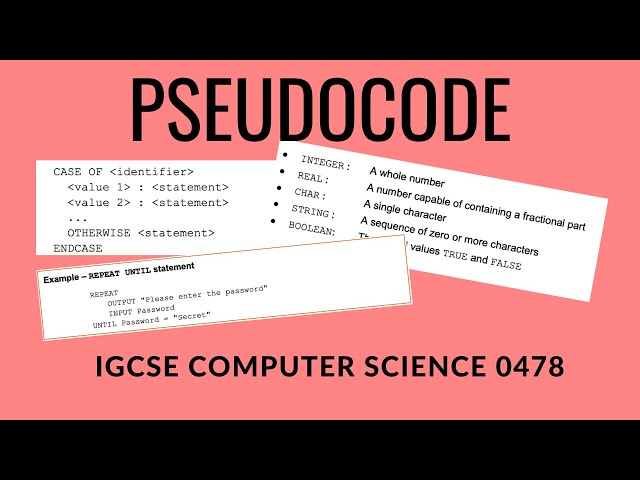
Pseudocode, by contrast, is a lightweight, language‑agnostic way to outline an algorithm. It borrows natural‑language phrasing and simple control‑flow keywords—like IF, WHILE, and FOR—without demanding strict punctuation or data‑type declarations. Think of it as a sketch before you start the full painting.
The purpose isn’t to run the text on a computer; it’s to let humans focus on the core logic without getting bogged down by syntax. Because it’s informal, teams can adopt a shared style that feels comfortable, whether they’re discussing a sorting routine or a complex machine‑learning pipeline.
Key Differences Between Source Code and Pseudocode
- Formality: Source code obeys a compiler or interpreter; pseudocode has no such constraints.
- Readability: Pseudocode prioritizes human comprehension; source code balances readability with executability.
- Portability: Pseudocode can be understood across programming languages; source code is tied to a specific language’s ecosystem.
- Detail Level: Source code specifies data types, memory management, and error handling; pseudocode glosses over those details.
- Testing: Only source code can be directly tested with unit tests or debuggers; pseudocode must first be translated.
When to Use Each in Development
If you’re brainstorming an algorithm with teammates, start with pseudocode. It lets everyone contribute ideas without worrying about language quirks. Once the high‑level flow feels solid, you can map each pseudocode block to concrete language constructs, turning it into source code.
In educational settings, instructors often assign pseudocode to gauge a student’s grasp of logical structures before they can write syntactically correct code. In professional environments, a quick pseudocode draft can serve as documentation for future maintainers, especially when the implementation language might change.
How to Translate Pseudocode Into Real Code
Turning a sketch into a runnable program follows a few natural steps:
- Identify language‑specific constructs: Replace generic FOR loops with the target language’s loop syntax.
- Declare data types: Convert loosely described variables into explicit types (e.g.,
int,String). - Handle edge cases: Pseudocode often skips error handling; add try‑catch blocks or validation checks.
- Insert library calls: If the algorithm uses common utilities (sorting, hashing), map them to standard library functions.
- Test incrementally: Write unit tests for each translated block to ensure the logic survived the conversion.
By following this checklist, you’ll minimize the chance that a subtle misinterpretation derails the final program.
Common Pitfalls and Tips
One frequent mistake is treating pseudocode as a direct copy‑paste source. Because it lacks strict syntax, missing a colon or indentation can introduce bugs when you start coding. Instead, use it as a roadmap, not a blueprint.
Another trap is over‑optimizing the pseudocode. Adding unnecessary performance tricks at this stage can cloud the core idea and make the later translation harder. Keep the draft simple; refine for efficiency once the algorithm works.
Finally, remember to keep your pseudocode up to date. As the source code evolves, the original outline can become misleading. A quick review before major refactors helps maintain alignment between documentation and implementation.
FAQ
Q: Can I use pseudocode for complex systems like microservices?
A: Yes. Pseudocode works well for high‑level orchestration—defining how services interact, message flows, and error handling—without getting lost in API syntax.
Q: Should comments in source code replace pseudocode?
A: Not entirely. Comments explain *why* a particular line exists, while pseudocode captures the *overall* algorithmic flow. Both serve complementary purposes.
Q: Is there a standard format for writing pseudocode?
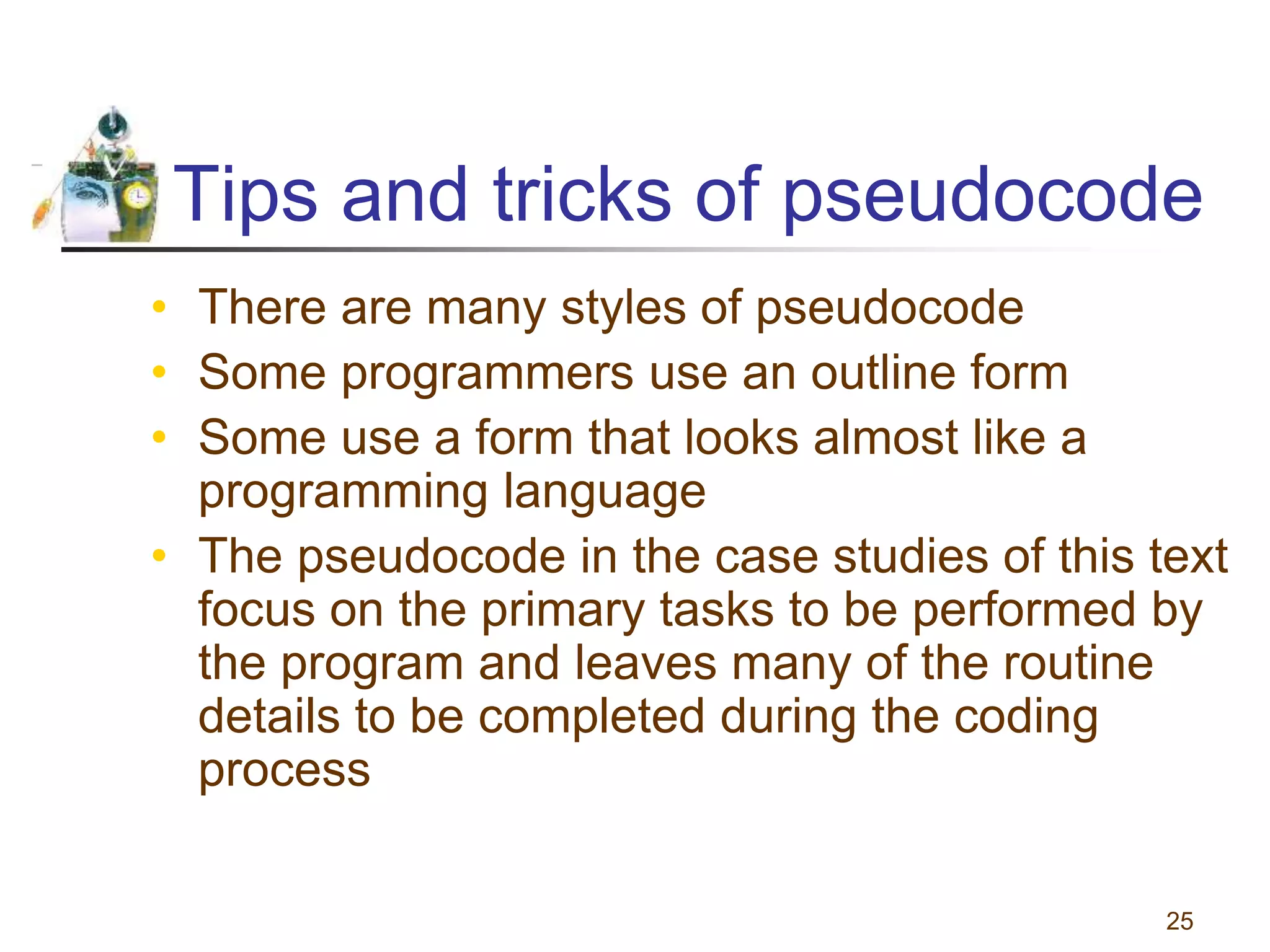
A: No universal standard exists, but most teams adopt a consistent set of keywords (IF, THEN, ELSE, WHILE) and indentation rules to keep drafts readable.
Q: How does pseudocode help during code reviews?
A: Reviewers can compare the submitted source code against the original pseudocode to verify that the intended logic was preserved, making it easier to spot deviations.